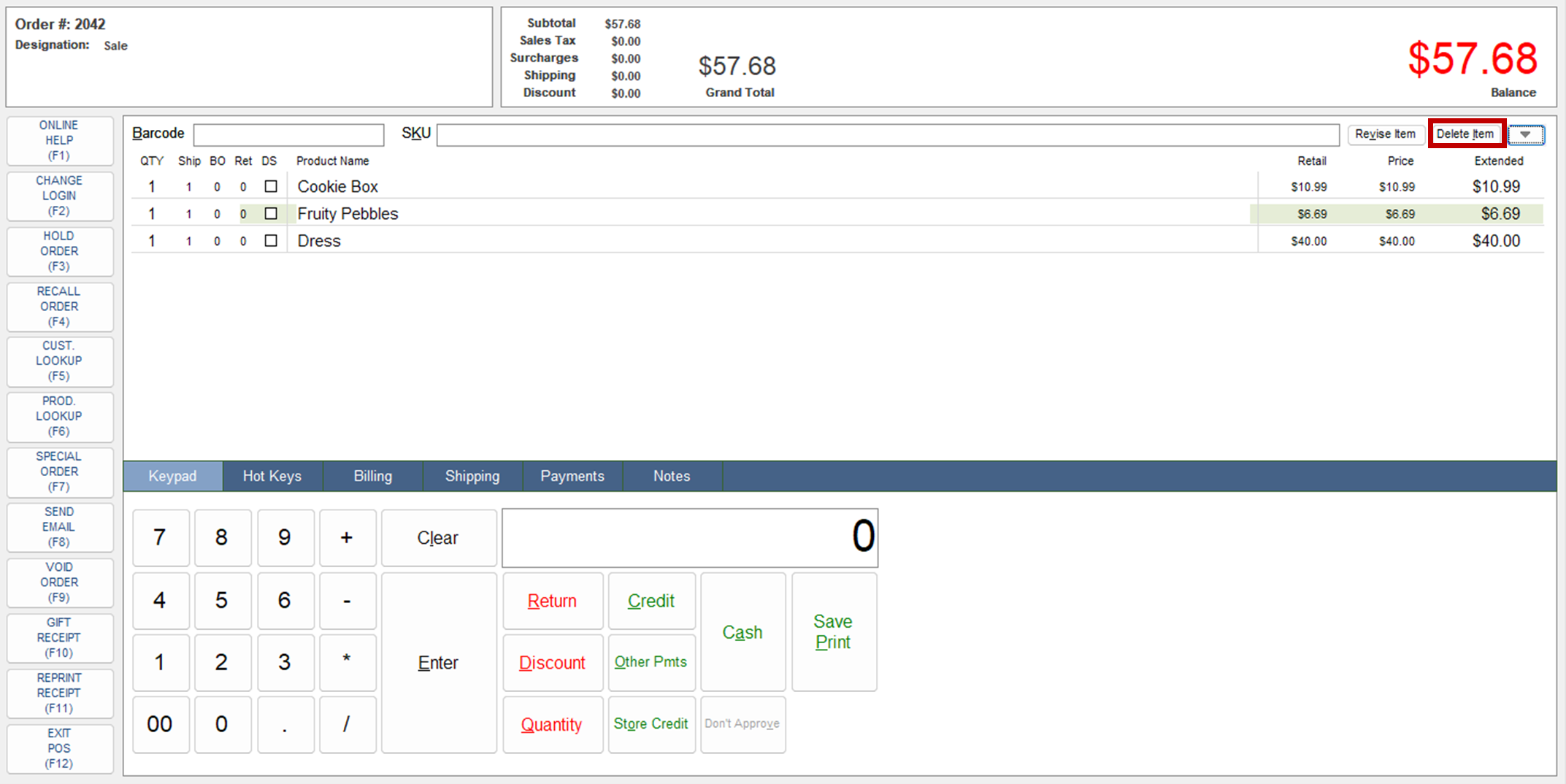
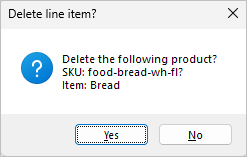
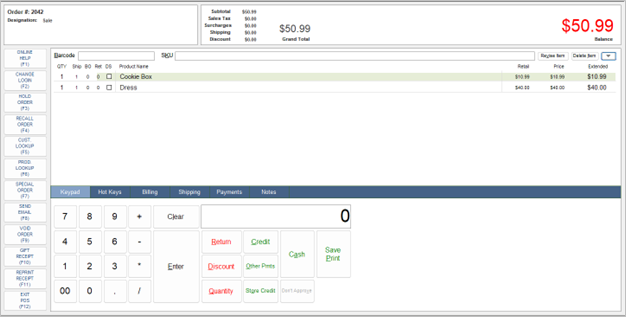
POS Deleting Items Select a line item in the Item Detail section of the screen. Click Delete Item. The Delete line item? message appears. Click Yes to delete the item; click No to cancel to action. Updated on June 9, 2025 Was this article helpful? Yes No Related Articles Point of Sale Credit Card EMV Terminal Setup Volcora Point of Sale Hardware Setup Sales By Salesperson Commission Report POS Revise Item POS Merchandise Return POS In Store Return of an Online Order Need Support?Can't find the answer you're looking for?Contact Support