
Overview
- Sometimes you will have orders from the same person that have enough different information in them (name, phone number, email address, etc.) that the program does not recognize it is coming from an existing customer. Instead, the program creates a new customer record with which the order is associated.
- In order to keep the customer’s purchase history under a single customer record it may be necessary to go to the order in question and use Assign to Different Customer to associate the order with an existing customer record.
- Parameters to determine what to match customers against where searching will go in order from 1 to 4: CustomerSearchField1 – CustomerSearchField4
Assign an Order to a Different Customer Record
- Main Menu -> Process My Orders -> View & Process My Orders
- Navigate to the order.
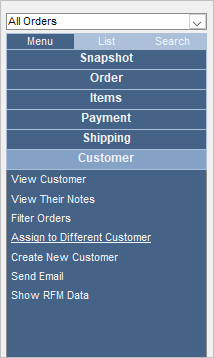
- Click the “Customer” tab.
- Click “Assign to Different Customer”.
- Enter search criteria for specific customer and click “Begin Search”.
- Select the correct customer and click “OK”.
- If the customer is not found, click “Close” and try the search again with different criteria.